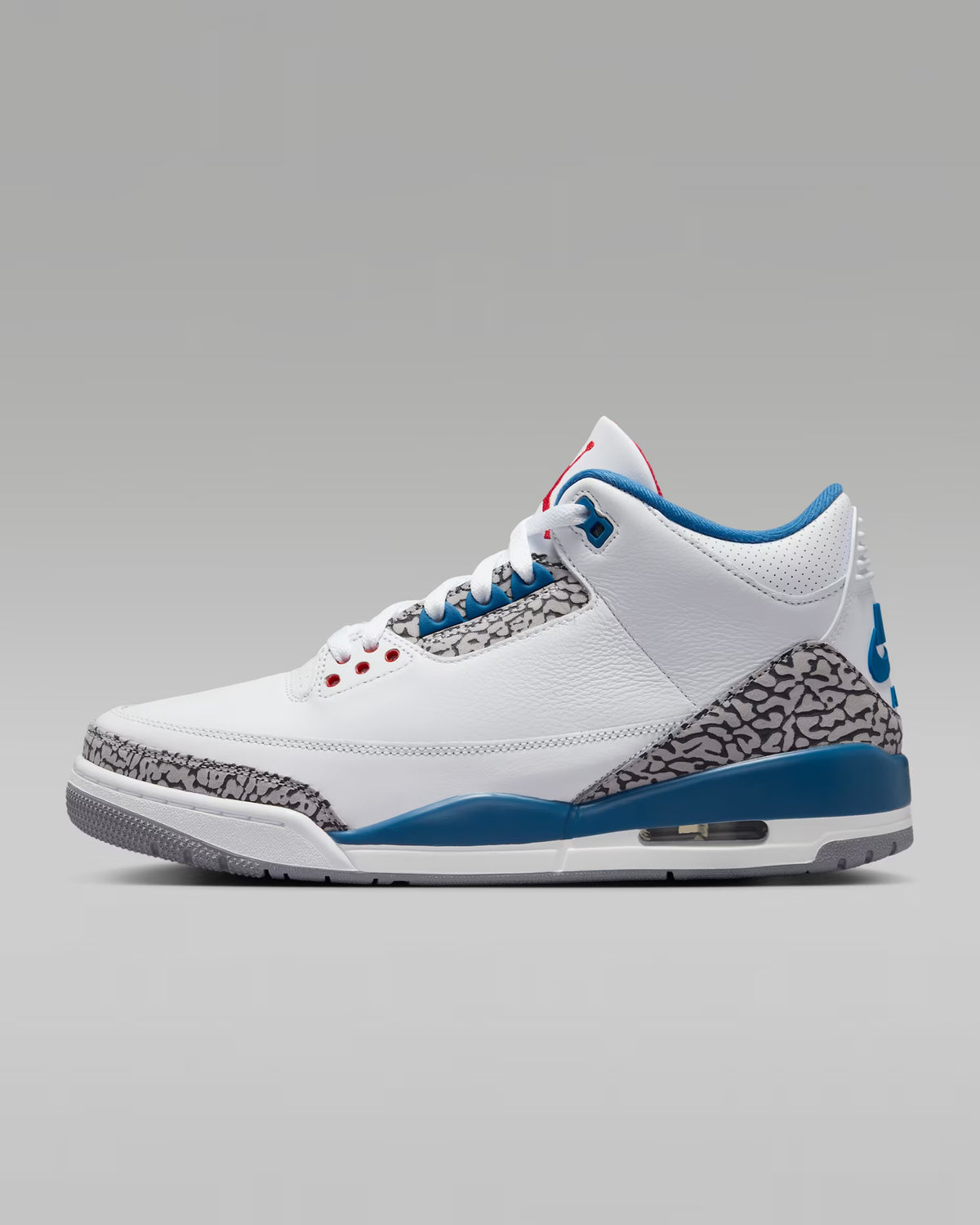
The quality in hand was crazy — even better than the photos. Packaging was clean and premium,
and customer service kept me updated the whole way. Worth the wait.
Jordan T.
✓ Recent Purchase
Houston
★★★★★
Super smooth process. They answered my questions fast and the pair came exactly as described.
The condition was on point and I’m definitely ordering again.
Maya R.
✓ Recent Purchase
Atlanta
★★★★★
Preorder timeline was clear from the start and the updates were consistent.
When it arrived, everything looked amazing and the quality did not disappoint. 10/10.
Chris W.
✓ Recent Purchase
Phoenix
★★★★★
Great communication and fast responses. The pair came in great condition and the experience
felt premium from start to finish. I’ll be back for another drop.
Choosing a selection results in a full page refresh.
Opens in a new window.
PayPal Pay Later Messaging
Step 1: Choose message placement
Click the button below and then hover over your page to select a placement.
Step 2: Paste and save
You have copied the placement for the Product Page.
Go back to the App Embeds section, and in the Paypal Advanced Settings, paste the copied value into the
Product Page field and click the 'Save' button in the top right corner.